
Autolayout Visual Format Language where the constraints will be added to the views programmatically, In the various sample code we will see how to add constraints to ensure all the views are resizing proportionately, how to maintain a fixed size for a view while resizing the others.
We are going to start working with VFL by examples, and first lets see how to make the view full the screen.
Full Screen
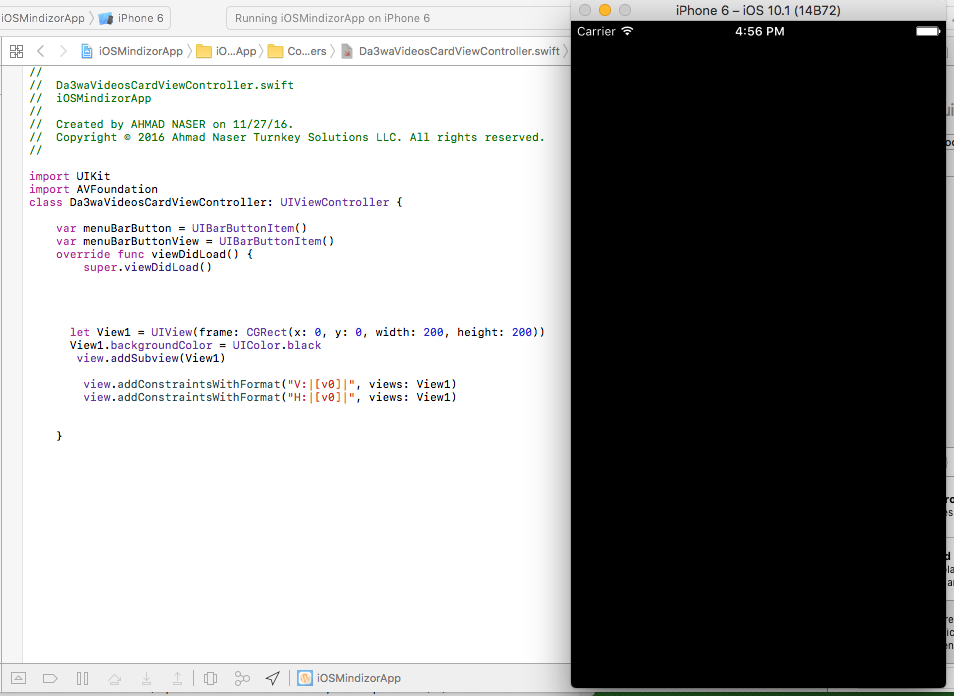
       let View1 = UIView(frame: CGRect(x: 0, y: 0, width: 200, height: 200))
       View1.backgroundColor = UIColor.black
       view.addSubview(View1)

        view.addConstraintsWithFormat("V:|[v0]|", views: View1)
        view.addConstraintsWithFormat("H:|[v0]|", views: View1)
Sub view fill half of the screen
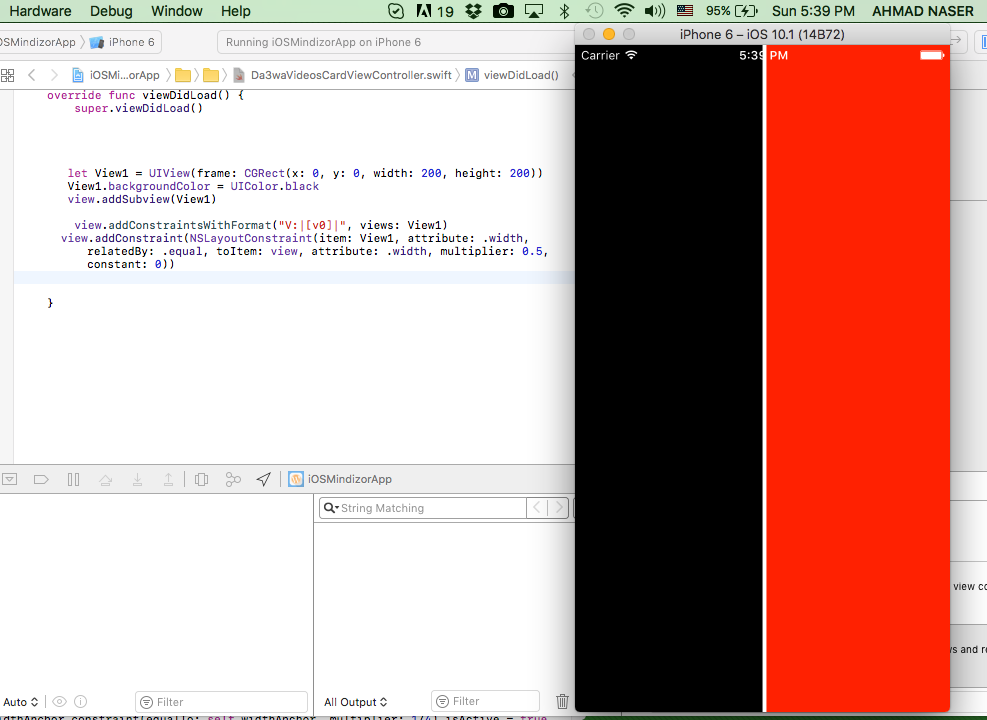
       let View1 = UIView(frame: CGRect(x: 0, y: 0, width: 200, height: 200))
       View1.backgroundColor = UIColor.black
       view.addSubview(View1)

        view.addConstraintsWithFormat("V:|[v0]|", views: View1)
      view.addConstraint(NSLayoutConstraint(item: View1, attribute: .width, relatedBy: .equal, toItem: view, attribute: .width, multiplier: 0.5, constant: 0))
Subtract Nav bar and status bar height from full half screen view
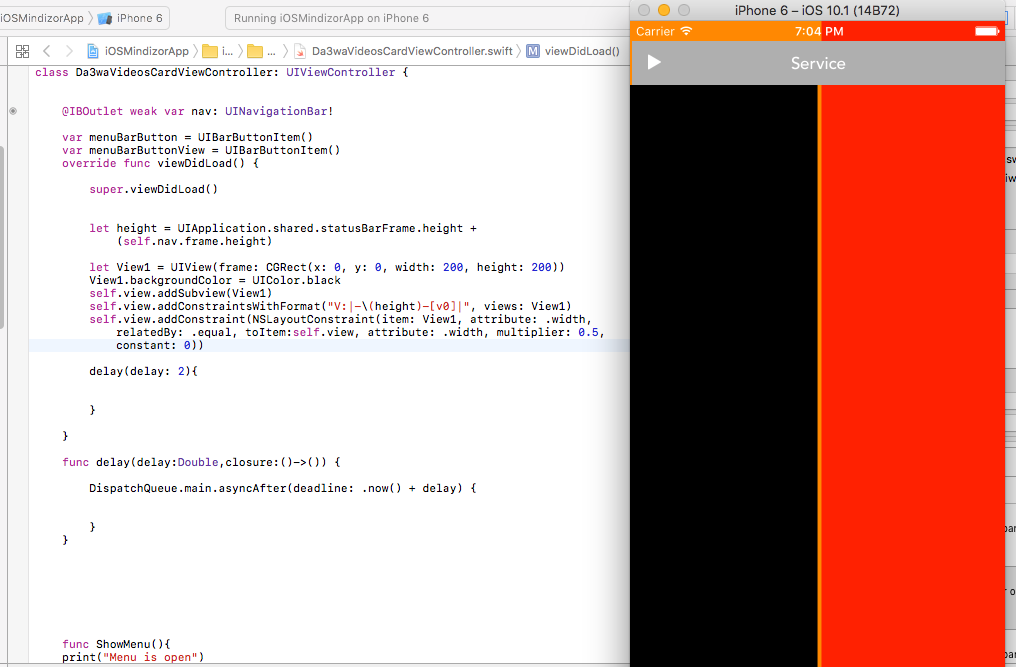
    @IBOutlet weak var nav: UINavigationBar!

    override func viewDidLoad() {

        super.viewDidLoad()


        let height = UIApplication.shared.statusBarFrame.height +
            (self.nav.frame.height)

        let View1 = UIView(frame: CGRect(x: 0, y: 0, width: 200, height: 200))
        View1.backgroundColor = UIColor.black
        self.view.addSubview(View1)
        self.view.addConstraintsWithFormat("V:|-\(height)-[v0]|", views: View1)
        self.view.addConstraint(NSLayoutConstraint(item: View1, attribute: .width, relatedBy: .equal, toItem:self.view, attribute: .width, multiplier: 0.5, constant: 0))

        delay(delay: 2){


        }

    }

    func delay(delay:Double,closure:()->()) {

        DispatchQueue.main.asyncAfter(deadline: .now() + delay) {

            //make you script here

        }
    }
Leave a Reply